

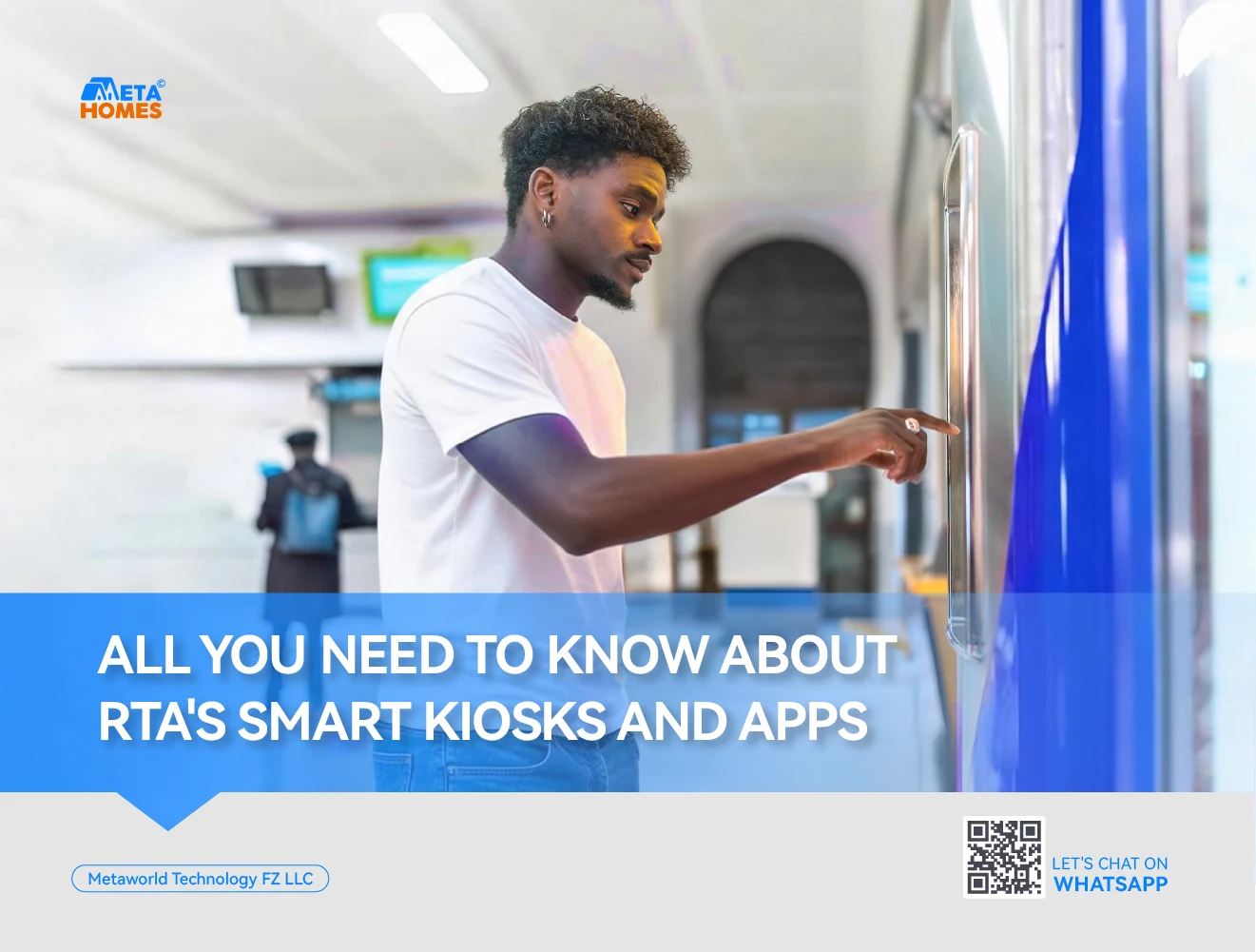
RTA smart kiosks are self-service terminals that handle vehicle, driving license, parking and NOL card transactions using cash, cards or NFC payment. The network launched in 2018 with 50 kiosks across 23 Dubai Metro stations, as part of Dubai’s first 24/7 Smart Customer Service Centre. Since then, RTA has restructured and upgraded the network, and it currently runs 32 kiosks across 21 locations, offering 28 digital services covering vehicle licensing, driver services, parking, NOL and revenue management.
Alongside the kiosks, RTA operates a family of apps, RTA Dubai, S’hail, RTA Smart Drive, Salik, Salama Magazine and the DTC Smart App, that cover everything from public transport planning to taxi booking and traffic-fine payment. All of them are free to download from the App Store or Play Store, and most work in both Arabic and English, with some offering additional language options.
Both channels exist for the same reason: to let residents and visitors complete transport-related tasks without visiting an RTA office in person. A resident can renew a vehicle registration at a kiosk in a shopping mall on the way home from work. A tourist can plan a Metro-to-taxi journey from the airport using S’hail before even landing. That’s the core value proposition: routine transactions compressed into minutes, available at hours when RTA counters would otherwise be closed.
Where to Find an RTA Smart Kiosk Near You
Kiosks are placed at RTA customer happiness centres and other high-footfall areas. Locations include:
- Deira
- Al Barsha
- Al Kifaf
- Umm Ramool
- Al Tawar
- Al Manarah
To find the nearest one to your exact location, use the nearest centre locator inside the RTA app, which relies on GPS to point you to the closest RTA branch and kiosk. This is more reliable than searching manually, since kiosk placement within centers can shift as branches are renovated or upgraded.
How to Use RTA Smart Kiosks: A Step by Step Guide
Kiosks are built for walk-up use, with no prior account setup required for most transactions. Here’s how to use one effectively, from finding a kiosk to walking away with your paperwork done.
1. Locate the nearest kiosk before you leave home
Don’t rely on memory or a general web search for “RTA kiosk near me”. Locations change as branches are renovated or relocated. Use the GPS-based locator inside the Dubai Drive app, or check the RTA website, to confirm the exact kiosk is still active before making the trip. Kiosks sit inside RTA customer happiness centers, Tasjeel and vehicle testing centres, malls, and Metro stations, so the walk from parking to the actual machine can vary a lot by location.
2. Have your documents ready before you approach the screen
For vehicle services, keep your Emirates ID and vehicle registration card handy. For driving license services, your Emirates ID and current license (if renewing) are enough. Scanning documents at the kiosk is faster than typing details manually, so keep them accessible rather than digging through a bag mid-transaction.
3. Choose your language first
Kiosks open with a language selection screen, typically offering Arabic and English at minimum. Selecting your preferred language before proceeding avoids misreading a menu option in a language you’re less comfortable with, a common cause of restarted transactions.
4. Identifyyourself
Insert or scan your Emirates ID, or scan the QR code linked to your RTA profile if you have one set up through the app. This step pulls your vehicle, license and fine records into the session automatically, so you won’t need to type in registration or file numbers manually in most cases.
5. Select the right category on the home screen
Kiosks group services into vehicle registration, driving license, parking and NOL card. Picking the wrong category early means starting over, so read the on-screen menu before tapping.
6. Follow the prompts for your specific transaction
Renewing a vehicle registration typically means confirming vehicle details, clearing any outstanding fines if applicable, and paying the renewal fee. Driving license renewal follows a similar pattern — identity verification, status check, payment. If you’re topping up a NOL card, you’ll be prompted to tap or insert the card directly at the reader before choosing a top-up amount.
7. Review every detail on screen before confirming
Vehicle plate numbers, license expiry dates and payment amounts are all shown before the final confirmation step. Reading this screen carefully matters more at a kiosk than at a staffed counter, since there’s no clerk to catch a typo or a wrong vehicle selection on your behalf.
8. Choose a payment method that suits you
Kiosks accept cash, credit and debit cards, and NFC payments through smartphones. NFC is the fastest option if your phone is set up with Apple Pay or a similar service, since it skips card insertion and PIN entry.
9. Collect your printed receipt or digital confirmation, and check it before leaving
Some services, like vehicle registration renewal, print an updated card on the spot. Others send confirmation via SMS or email linked to your Emirates ID. Confirm the printed document matches what you asked for — plate number, expiry date, amount paid while you’re still standing at the kiosk, since disputing a completed transaction later means a trip to a staffed RTA counter.
Note: Kiosks are busiest during lunch hours and right after work, roughly 1 pm–2 pm and 5 pm–7 pm on weekdays, especially at locations inside malls. Early mornings and mid-morning slots on weekdays have shorter or no queues. Kiosks located inside Metro stations and standalone customer happiness centres generally run 24/7, while those inside malls follow the mall’s opening hours.
How to Use RTA Apps Effectively
Kiosks solve one-off, document-heavy transactions well, but the apps are built for anything recurring. A few habits make the app side of RTA’s system noticeably more useful:
- Link your Emirates ID once, across every app you install. Most RTA apps ask for Emirates ID verification during setup. Doing this early means fine records, NOL balances and vehicle details populate automatically instead of requiring manual entry every time you open the app.
- Turn on push notifications, specifically for fines and NOL balance. RTA Dubai and Salik both send alerts for new fines and low balances. Fines paid within a set window after issue often qualify for a reduced rate, and a notification catches that window faster than a mailed notice.
- Save frequent routes and locations inside S’hail and RTA Smart Drive. Both apps let you pin regular destinations: home, work, school, so route planning and traffic alerts are tailored rather than generic.
- Keep one payment method saved across apps rather than re-entering card details each time. This matters most for frequent NOL top-ups and parking payments, where repeated manual entry adds up over a month.
- Use Dubai Drive as your document wallet, not just a transaction tool. Even when you’re not renewing anything, having a digital driving licence and registration card on your phone is useful if a physical card is misplaced or an RTA officer requests verification.
Related Article – An Easy Way to Rent a Parking Space in Dubai
Benefits of Using RTA’s Smart Kiosks and Apps
Time saved on routine transactions. A vehicle registration renewal or fine payment that would take a queue-and-counter visit of thirty minutes or more typically takes under five minutes at a kiosk or in-app, since document verification is automated through Emirates ID scanning.
Extended access hours. Many kiosks, particularly those in Metro stations and standalone customer happiness centres, are accessible outside standard RTA office hours, including evenings and weekends. Apps are available around the clock from anywhere with a data connection.
Reduced paperwork. Digital confirmations, e-receipts and app-based document storage remove the need to carry or file physical copies of registration cards, licenses and payment receipts.
Fewer errors from manual data entry. Because Emirates ID scanning pulls vehicle and license records directly from RTA’s database, kiosks and apps reduce the risk of typos that can occur when details are handwritten on a paper form or read aloud at a counter.
Cost transparency before payment. Every kiosk and app transaction shows the exact fee, fine amount or renewal cost before payment is confirmed, which removes ambiguity that can arise with manual counter transactions involving multiple line items.
Accessibility features built in. Kiosks include height-adjustable screens and, at select locations, voice guidance, making them usable for people of determination without needing a separate staffed process.
One system covering multiple transport modes. The same RTA account and Emirates ID link across driving, public transport, taxi and even marine transport services, so residents and visitors aren’t managing separate logins or separate physical documents for each mode of transport.
Support for newcomers and tourists. Multilingual interfaces and GPS-based kiosk and route locators mean people unfamiliar with Dubai’s road network or transport system can complete transactions or plan journeys without needing to ask for help at a counter.
The RTA App Ecosystem: Which App Does What
RTA’s apps overlap in places, which can be confusing for first-time users. Here’s a breakdown of what each one is actually for.
RTA Dubai App
This is the closest thing to a master app in the RTA family. It gives a personalised dashboard with your profile, emergency numbers, government service links and even weather conditions relevant to driving. Beyond that, it handles parking payments and location memory, fine inquiry and payment, NOL and Salik balance checks and top-ups, taxi booking, and a theory test practice mode for people preparing for a driving test. It also includes a “Madinati” feature for reporting road defects or transport service issues, plus a green points calculator that tracks time, CO2 and cost savings from using public transport instead of driving.
Use RTA Dubai if you want one app that covers most day-to-day needs without switching between several.
S’hail
S’hail is best for planning public transport trips. It covers NOL card balance and top-up, on-demand taxi booking, personalised NOL card applications, intercity trip planning, and live information on the Metro, tram and buses. It also pushes traffic updates to help you time your trip around congestion.
Use S’hail specifically when planning a route across the city, especially if you’re combining Metro, tram and bus legs.
Dubai Drive
The Dubai Drive is the app equivalent of carrying your license, registration card, and plate certificate in your pocket. It stores digital versions of these documents, handles registration renewals, plate number requests, lost license replacements, vehicle ownership certificates, and fine payments. It also renews licenses and registrations via barcode scan and locates the nearest RTA centre, using GPS, the fastest way to find a kiosk near you. Employers of taxi drivers, school bus drivers, or luxury vehicle drivers can also process and pay for professional driving permits through this app.
Use Dubai Drive if you own a vehicle or hold a UAE driving license and want to manage documents digitally rather than carrying physical cards.
RTA Smart Drive
This is RTA’s own navigation tool, distinct from Google Maps or Waze in that it’s tied directly into RTA’s live data. It works offline, provides voice and visual directions, automatic rerouting and speed limit alerts, and shows real-time traffic, roadwork and accident updates. It also maps Metro, tram, bus and marine station locations across the city.
Use RTA Smart Drive if you frequently drive unfamiliar routes and want alerts specific to Dubai’s road network rather than a generic maps app.
Salik
Salik is the dedicated app for Dubai’s road toll system. It handles tag activation, balance checks, top-ups, recent trip history, violation management, and a view of all vehicles registered under your Salik account.
Salama Magazine
Aimed at children aged four to fourteen, this app teaches traffic and public safety through stories, games, augmented reality features, and short films. It’s a useful addition for families settling into Dubai and introducing kids to local road safety habits early.
DTC Smart App
Run through Dubai Taxi Corporation’s control centre, this app finds the nearest available vehicle and lets you book in three steps: download, register, reserve. It includes real-time fare calculation, live trip tracking, flexible cash or card payment, loyalty points, free onboard Wi-Fi and 24/7 availability.
Getting the Most Out of RTA’s Smart Services
For residents: If you’ve recently moved into an apartment for rent in Dubai, setting up RTA Dubai, and S’hail early can make commuting, parking, and vehicle management much more convenient. since it stores your documents digitally and saves you from carrying physical cards. Add RTA Dubai for fine and NOL management, and keep S’hail installed if you use public transport regularly. Linking your Emirates ID once across these apps means you won’t need to re-enter details each time. If you own more than one vehicle, register all of them under the same Emirates ID profile so registration and fine records for each car show up together instead of requiring separate lookups.
For visitors and tourists: S’hail is the most useful starting point, since it covers NOL cards and public transport planning in one place. The DTC Smart App is worth downloading if you plan to rely on taxis rather than driving. Neither app requires UAE residency status to use for basic transactions like NOL top-ups or taxi booking, and a passport is generally sufficient identification for a tourist NOL card purchase at a kiosk or station machine. Since kiosks are not solely for residents, a short stop at one on arrival, many are near Metro stations can be a practical way to buy and top up a NOL card before starting a first trip into the city.
For families: Install Salama Magazine on a child’s device early, particularly before they start walking to school or using public transport independently, since the app’s road safety content is built around age-specific scenarios rather than generic rules.
For everyone: Keep a personal NOL card linked in at least one app rather than relying on anonymous cards, since linked cards allow balance recovery if the card is lost. Turn on notifications in RTA Dubai and Salik to catch fine alerts early — fines often carry a discount if paid within a set window, and app notifications are faster than waiting for a letter or SMS.
Frequently Asked Questions
Can tourists use RTA smart kiosks without an Emirates ID?
Yes, for a limited set of services. Tourists can typically purchase and top up a NOL card and pay certain fees using a passport or bank card at the kiosk, since these transactions don’t require an Emirates ID lookup. Vehicle and driving licence services, by contrast, are tied to an Emirates ID or UAE driving licence record and aren’t available to visitors without one.
What happens if a kiosk transaction fails partway through, such as after payment but before the receipt prints?
The transaction is usually still recorded on RTA’s system even if the printer jams or the screen resets, since payment confirmation and service completion are processed on the backend before the receipt stage. If you’re unsure whether a transaction went through, check the relevant record in the RTA Dubai App formerly Dubai Drive App, or contact RTA’s call centre with your Emirates ID and the approximate time of the transaction rather than assuming the payment needs to be repeated.
Can I pay someone else’s traffic fine or renew a vehicle that isn’t registered under my name at a kiosk?
Fine payments can generally be made by anyone who has the vehicle’s plate number or the traffic file number, since fine settlement doesn’t require ownership verification. Vehicle registration renewal and licence transactions, however, require the registered owner’s or licence holder’s own Emirates ID, so a third party typically can’t complete these steps on someone else’s behalf at a kiosk.
Is there a maximum amount I can pay or top up at a kiosk in a single transaction?
Kiosks apply per-transaction limits on card and NFC payments in line with standard UAE payment terminal limits, and cash transactions may also be capped for practical reasons like note storage capacity. For high-value transactions, such as a vehicle registration renewal with multiple accumulated fines, splitting the payment across more than one transaction or using the RTA Dubai app instead can avoid running into a terminal limit.
Do RTA smart kiosks and apps work for vehicles registered outside Dubai, such as in Abu Dhabi or Sharjah?
Kiosk and app services are built around RTA Dubai’s own vehicle and licence database, so functions like registration renewal are specific to Dubai-plated vehicles. Fine payment functions are broader in some apps, since certain traffic fines issued in Dubai apply regardless of where the vehicle is registered, but cross-emirate registration renewal isn’t something RTA’s Dubai kiosks handle.
Why does my NOL balance or fine status show differently in the RTA Dubai app compared to the kiosk?
This is usually a sync delay rather than a data error. Balance and fine updates can take a short time to propagate across RTA’s different service channels after a transaction, so a NOL top-up done at a kiosk might not appear instantly in the app, and vice versa. Waiting a few minutes and refreshing the app typically resolves the mismatch.
Can I use RTA Smart Drive instead of Google Maps or Waze for everyday navigation?
You can, and it has one advantage the others don’t: it draws directly on RTA’s own traffic, roadwork and public transport data rather than crowdsourced reports, so incidents specific to Dubai’s road network can appear faster. It also works offline once maps are downloaded. Its route coverage and search functionality are narrower than a general mapping app, though, so many drivers use it alongside rather than instead of a mainstream navigation app.
Are RTA smart kiosks accessible to people with disabilities?
Yes. Kiosks are built with height-adjustable screens, and select locations include voice guidance to support users with visual impairments. If a specific kiosk location doesn’t have the accessibility feature you need, RTA customer happiness centre staff at the same location can assist directly.
What should I do if a kiosk overcharges me or applies the wrong fee?
Don’t leave the location before raising it. Kiosks print a receipt showing the exact service and amount charged, and staff at the same customer happiness centre can typically review and correct an error on the spot if it’s reported immediately. Once you’ve left, disputing a kiosk transaction requires contacting RTA’s call centre with the receipt and transaction reference, which takes longer to resolve.
Are RTA apps and kiosks free to use?
The apps themselves are free to download and use. You’ll still pay the standard government fee for whichever service you’re completing, such as a registration renewal fee or a traffic fine, but there’s no additional charge for using the app or kiosk channel over a staffed counter.




Leave a Reply